What I'm Working On:

Project: Walk Amongst the Stars: Book Two
Status: First Draft
Completed:
Rough Draft
Brainstorming and Outlining
WARDOGS
Wardogs appeared on my radar just before the first closed beta, August 21 - 24. I think it was because people were suddenly allowed to show their footage from the alpha test a month earlier. I got a flood of clips on YouTube, and I liked what I saw.
I’m a little jaded and I try not to get too excited about new games because we live in a world where the big players in the game industry will find a way to ruin their game. Wardogs is also a genre of game that I rarely enjoy. It lands in a place kind of between a Battlefield game and a serious military simulation game. Neither of which is my cup of tea.
Anyway, after those clips caught my interest, I started talking to my friends, and they seemed interested too, which was a plus. But even if none of my friends wanted in, this was a game I didn’t think I could pass up.
So I bought the game to get access to the beta and then I set about hurriedly making a new partition on my computer to put the virus known as Windows 11 on. I learned later that the first beta tried something different with its anti-cheat system, and I could have played it on Linux. Doh!
The game was every bit as fun as I thought it would be. And I felt like I wouldn’t be able to make it through the next week when a second beta test was scheduled. For the next week, I subsisted on a diet of Wardogs videos from YouTubers like JackFrags, StoneMountain64, RadioGLHF, and a plethora of other up-and-coming YouTubers.
So what is this game?
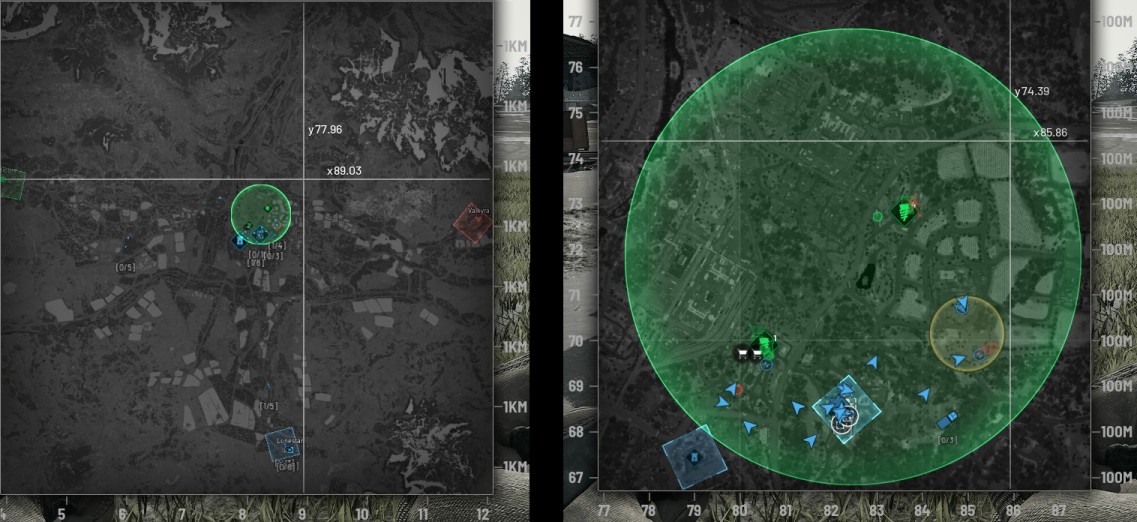
Wardogs is a large-scale war game where three private military companies vie for dominance of a territory. The game map is 256 square kilometers, and the individual battles take place in a 4 square kilometer circle.
Players start in a safe zone far outside the battle and have to travel to the battle zone. This is typically accomplished through helicopters and various ground vehicles. And once the game has been running for a while, there is a spawn vehicle that, once parked, will allow you to teleport to it once per 10 minutes.
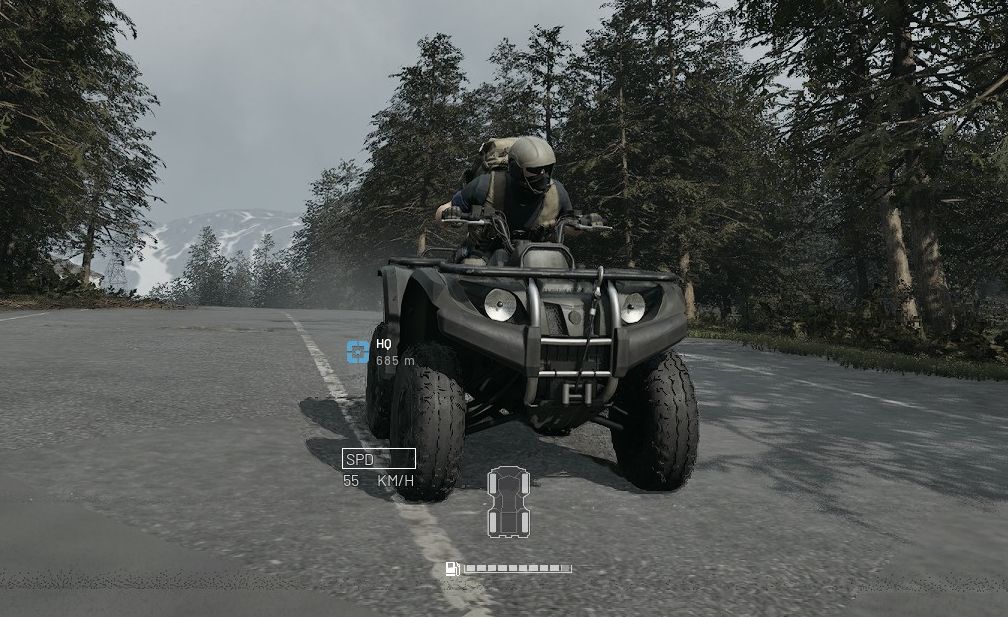
The scale of the battles is pretty epic. You’ve got your guns: automatic rifles, submachine guns, light machine guns, marksman rifles, and sidearms. There are ground vehicles ranging from a quad, which is honestly slow and kind of worthless—but cheap, all the way up to things like mobile artillery and tanks. There are several helicopter options. And the different roles offer a lot of doo-dads like explosives, spotting scopes, revival tools, base building tools and more.
Why is the game so damn good?
Wardogs features not two but three large teams, 100 players to a server, 33 players to a team with the extra player going wherever. Having three factions at once introduces some chaos to the game. Although I’ve experienced a few games where one team didn’t need to lift a finger to win because the other two teams bitterly fought the entire game.
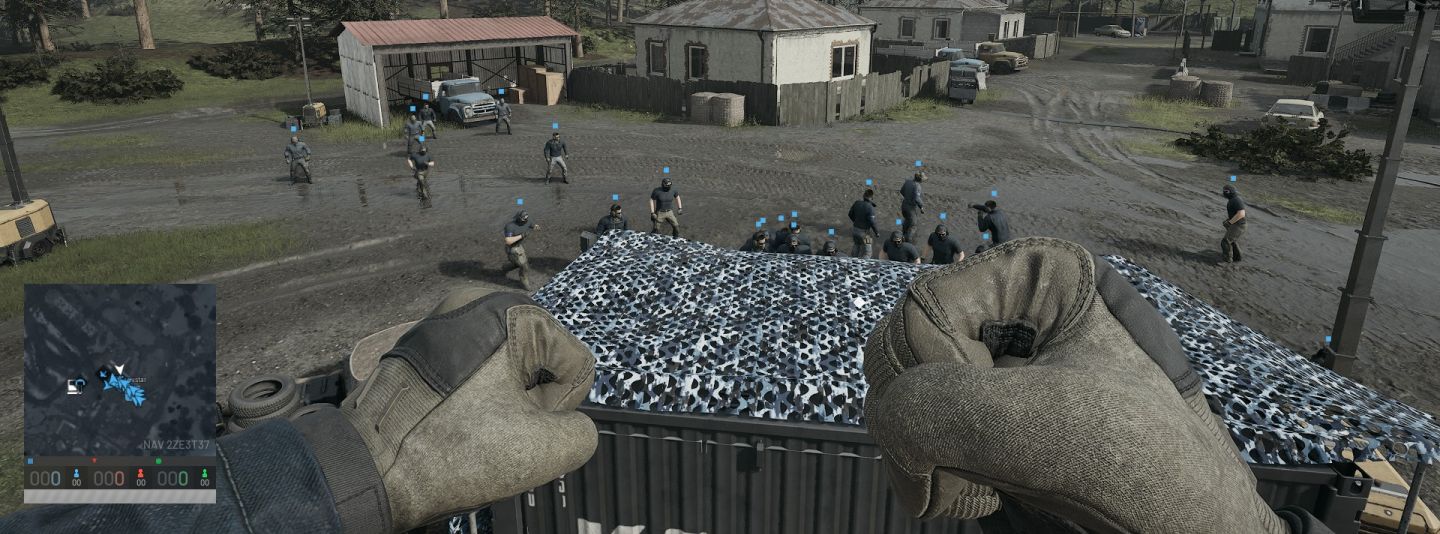
Another cool move is that the game has local chat. Not only can your team hear it, but so can your enemies. When you’re not in a squad, you can chat with your teammates in local area chat, but enemies can hear that too. It can lead to some funny moments when the helicopter pilot screws up and everyone screams before the chopper explodes. Or a fallen enemy takes a moment to curse you out.
There was a moment where a teammate took the time to do a very long revive on me, bare-handed. This takes about 30 seconds of effort. The moment I was back, a medic ran over and hit me with the defibrillators, putting me back out of commission. We all laughed heartily, and then he charged his paddles for another go.
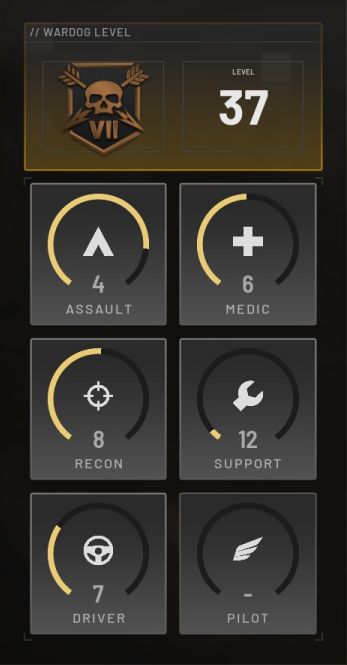
The game has many roles you can do, and you gain experience by doing the different roles. Aside from your general weapon gameplay, there is a medic, support, ground vehicle, air vehicle, and recon. So if you spend time base-building and delivering supplies, you gain support XP. Or you might spend the round spotting enemies with binoculars and sniping, and that gives you recon XP. But you aren’t locked into any one path. The game allows you to bring an assault weapon and get that experience when you kill enemies, bring a spotting tool and get xp for calling out targets and let’s say you bought a vehicle and brought your teammates into the battle zone, you get driver XP as well. Then say you revive a teammate with a resuscitator, now you’ve got a little medic XP. Very cool.
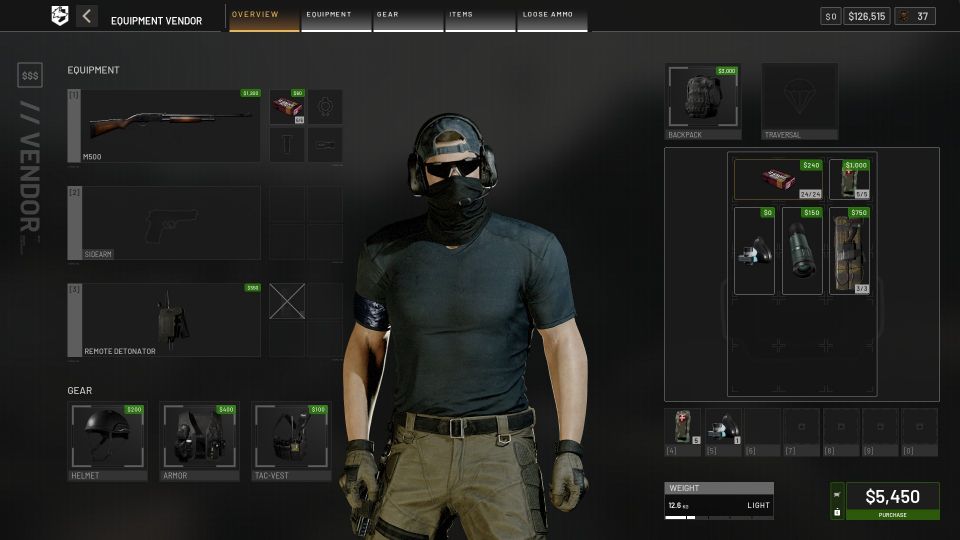
And another brilliant system is that everything you do that helps the team pays you money. And that money is what you use to buy your own gear. A problem with this kind of game is that people usually only become a medic so they can quickly heal themselves between bouts of combat and don’t care about others. Or a role like delivering supplies is kind of a thankless job.
Another problem with games like this is that there will be several vehicles, and they are first come, first served. So even though you’re good with helicopters, some derp grabbed it first and crashed it into something within a few minutes. If you have to buy it yourself, this eliminates the problem. Also, people play frivolously when there are no stakes. But when you have to spend thousands of dollars on your loadout, you play a little more preciously.
With the money and experience systems combined, it makes for an amazing game. With a certain amount of built in teamwork.
The game is still in early access and, as I write this, is in the middle of its first season. It’s a short one to allow the devs to test and tune things. Which reminds me I didn’t talk about the seasonal nature of the game. Another smart innovation.
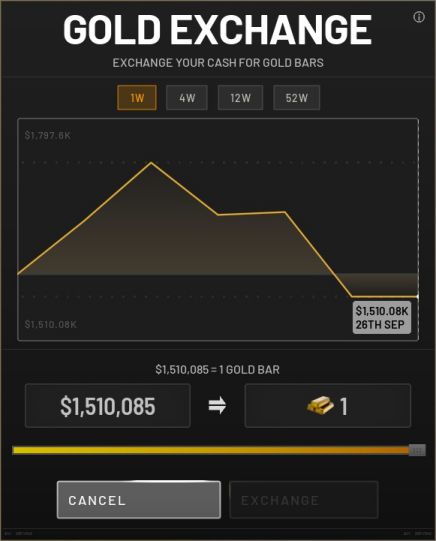
When each season ends, your player experience and thus access to all your tools are wiped out. Which means the next season begins as a clean slate. The money you make is supposed to be exchanged for gold bars, which is the game’s side currency to buy unlocks like weapon skins. You can buy gold at any time during the season, but the last I checked a bar was at an absurd price, somewhere over a million dollars.
Hey did you know I wrote a book?

Walk Amongst the Stars is like The Hunger Games and Ready Player 1 collide.
Pick one up and help me survive this cyberpunk dystopia.
https://www.danielsevenwriting.com/books-audio
I, Gamer: TurboGrafx - 16
This time around I’m going to focus on a console I didn’t own but had some impact on my life as a gamer: the TurboGrafx - 16 or PC Engine outside of North America.
The system was a bit of an odd duck, releasing in 1989, kind of between the third and fourth console generations. The system has an 8-bit CPU and a 16-bit GPU. And according to some web searching, it was big in Japan but fared poorly in North America. Which means it had a huge library of games that never made it overseas.
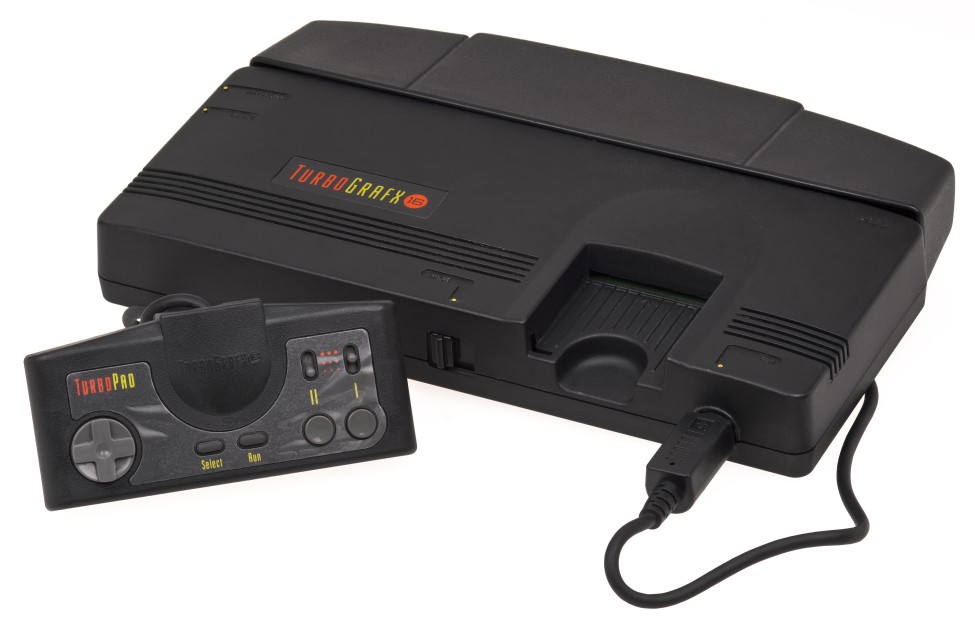
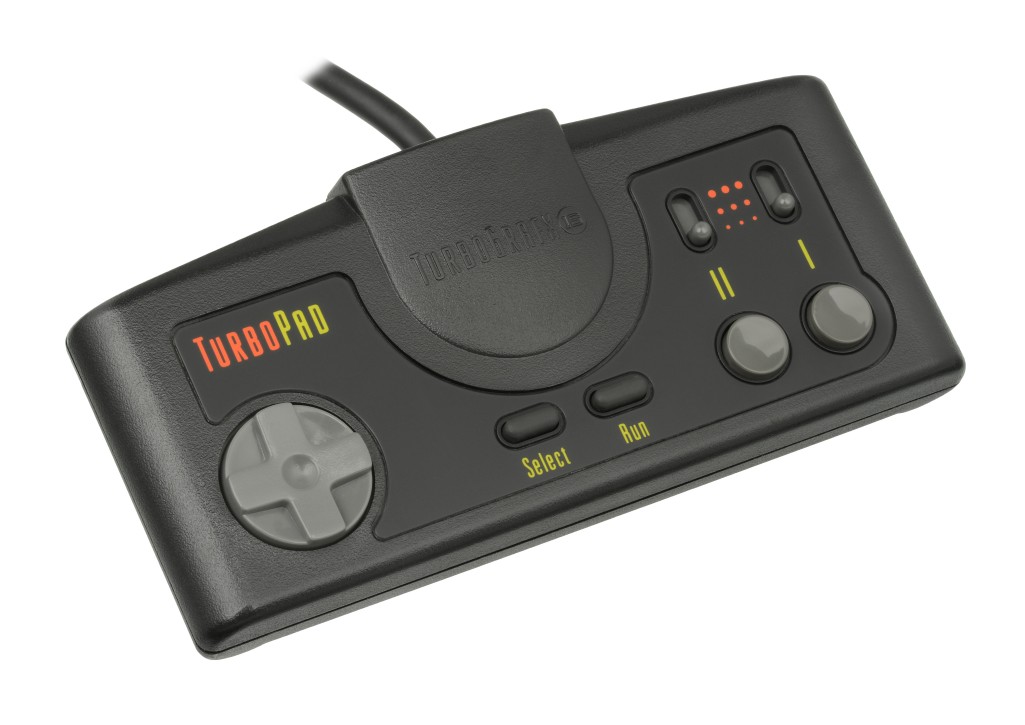
The controller for the TG-16 reminds me very much of the NES. It features a directional pad, start, select buttons in the middle and a 1 and 2 button on the right. The one big difference being that the system has built-in turbo switches for either button.
Another oddity is that the system comes with 1 controller port. And that was in an era when game systems came with 2 ports, and often in bundles, with two controllers.
One feature I really like about the system is the cartridges. The games came on these little plastic cards called HuCards. The artwork inhabits the lower half of the card, and when inserted into the console, is still visible, while the black upper part and connector pins would be hidden inside the system. Once I had seen a broken NES cartridge and marveled at how small the actual circuit board was compared to the housing, which really put the small cartridge size into perspective.
Later on they’d make a CD attachment, which was the style at the time, but I never tried any of those games.
Two of my friends from back then had a TurboGrafx - 16, and we’d play around with it from time to time.
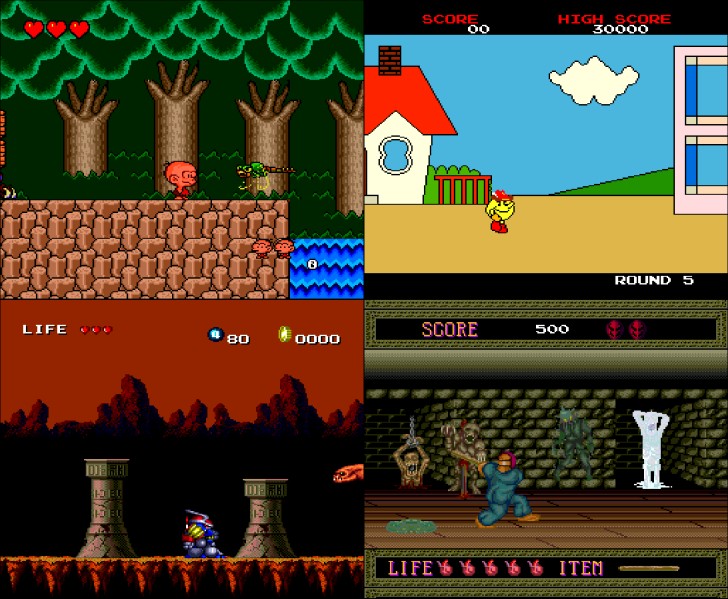
One of my buddies had a very limited selection of games, with Keith Courage in Alpha Zones and Pac-Land.
Another friend had a significant library of games, but I didn’t try too many of them. I remember playing Fantasy Zone and Bonk’s Adventure. And I remember watching him beat Splatterhouse.
It seemed like a pretty cool system, but going from the NES to the SNES, I didn’t feel like I missed out.
Discovering Anime

I’ve got anime on the brain. A friend of mine told me about a promo Crunchyroll is running, and so I’ve been watching a lot of his recommendations and binging Dragon Ball Super. So when it came time to write a blog post, this topic stood out to me.
Americanized Anime
The first stuff I saw was only anime-adjacent. I was pretty dazzled by Voltron as a little kid. I mean, mechanized lions that transform into a humanoid mech, who summons a massive sword out of pure energy. Hell yeah!
Voltron was considered an American cartoon so far as I can tell, but it was a mashup of several Toie animes.
And beyond that, there were shows like Transformers and GI Joe that had wonderful looking Japanese animation despite being shows created specifically for a U.S. audience.
My first real Anime
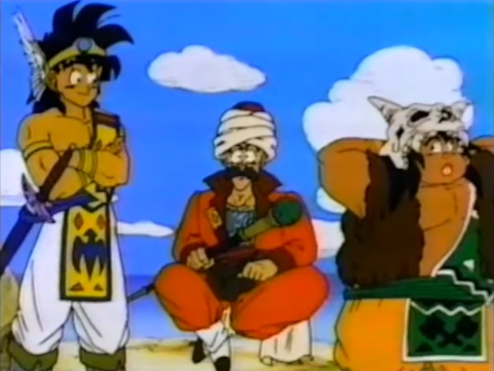
The first actual anime I saw was Dragon Warrior, AKA Dragon Quest. According to a web search, it launched into first-run syndication from 1990-1991. I managed to wake up early enough to catch this show at an absurdly early time slot. I wasn’t smart enough to try to track this show down as a kid; I just got up early enough several times to catch bits and pieces of this one. You can watch the whole thing on YouTube these days.
Speed Racer - MTV
Back in 93’ MTV started showing Speed Racer. I was probably on there to watch Bevis and Butthead and happened to catch the jaunty theme song. Go, Speed Racer, go! Before long, I was embroiled in the shenanigans of Chim-Chim and figuring out the identity of that mysterious Racer X.
One day my mom saw me watching that one and remarked something like, “Speed Racer? That was on when your older brother was a kid.”
Sci-Fi Channel
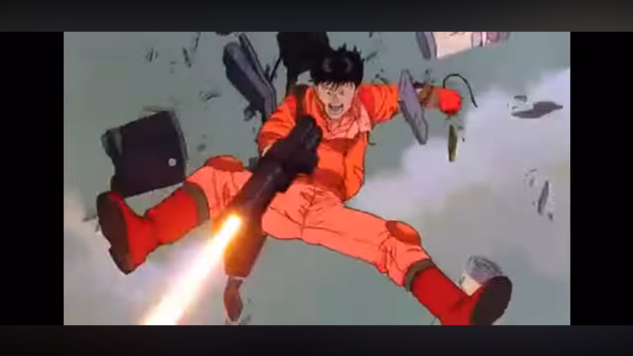
Around the same time, the Sci-Fi channel began dabbling in Anime and I was lucky enough to be right there for it. The big deal was Akira. They started off showing mostly movies and then later moved on to having a weekly block called Ani-Monday with more episodic shows.
Here is some of the good stuff I saw there:
Demon City Shinjuku
Ninja Scroll
Perfect Blue
Vampire Hunter D
Robot Carnival
Lensman
Gurren Lagann
Read or Die
Monster
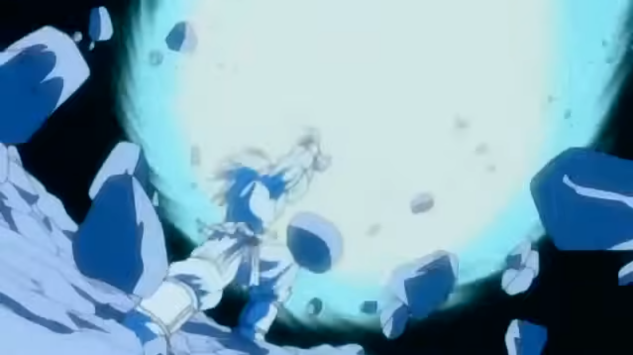
Dragon Ball Z
Dragon Ball Z hit the US in 1996. Another of those first-run syndication deals. DBZ was a show I watched before I had to get ready for high school. I was completely unaware of the original series Dragon Ball until many years later when Cartoon Network began to show it. I loved this show immediately, but new episodes released at a snail’s pace. I remember the show just kind of starting over after running out of episodes more than once.
Later Cartoon Network would pick the show up and start over, and it went well until they ran into their own production problems.
Adult Swim
In 2001, Cartoon Network started a block of animation later at night called Adult Swim. One of the shows in the mix was another very well-known anime, Cowboy Bebop.
Adult Swim went on to have a whole host of anime over the years:
Outlaw Star
Fooly Cooley
Fullmetal Alchemist
Ghost in the Shell: SAC & 2nd GIG
Samurai Champloo
Shin Chan
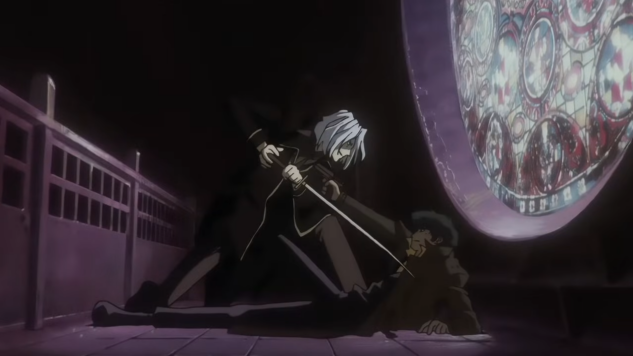
Death Note
Netflix
My next source of anime was arguably the worst of the group. Back in the day, Netflix used to mail you discs, and I’d slip some anime into the mix. It was a nice system because while Netflix’s nascent streaming service didn’t have every movie under the sun, their rental service sure seemed to. I quickly found out that the anime seemed to be the most damaged or stolen of all, and so they had a lot of incomplete series that I couldn’t get all of.
And that leads us back to the modern age of streaming.